Call us on 07940444641

How to photograph yourself for Augmented Imagery

Nine photographs, about five minutes, on the phone you already have. Everything you need to know is on this page.

We use your photographs to make your Augmented Imagery: a corporate portrait in the setting, outfit and light your company needs, finished by hand.
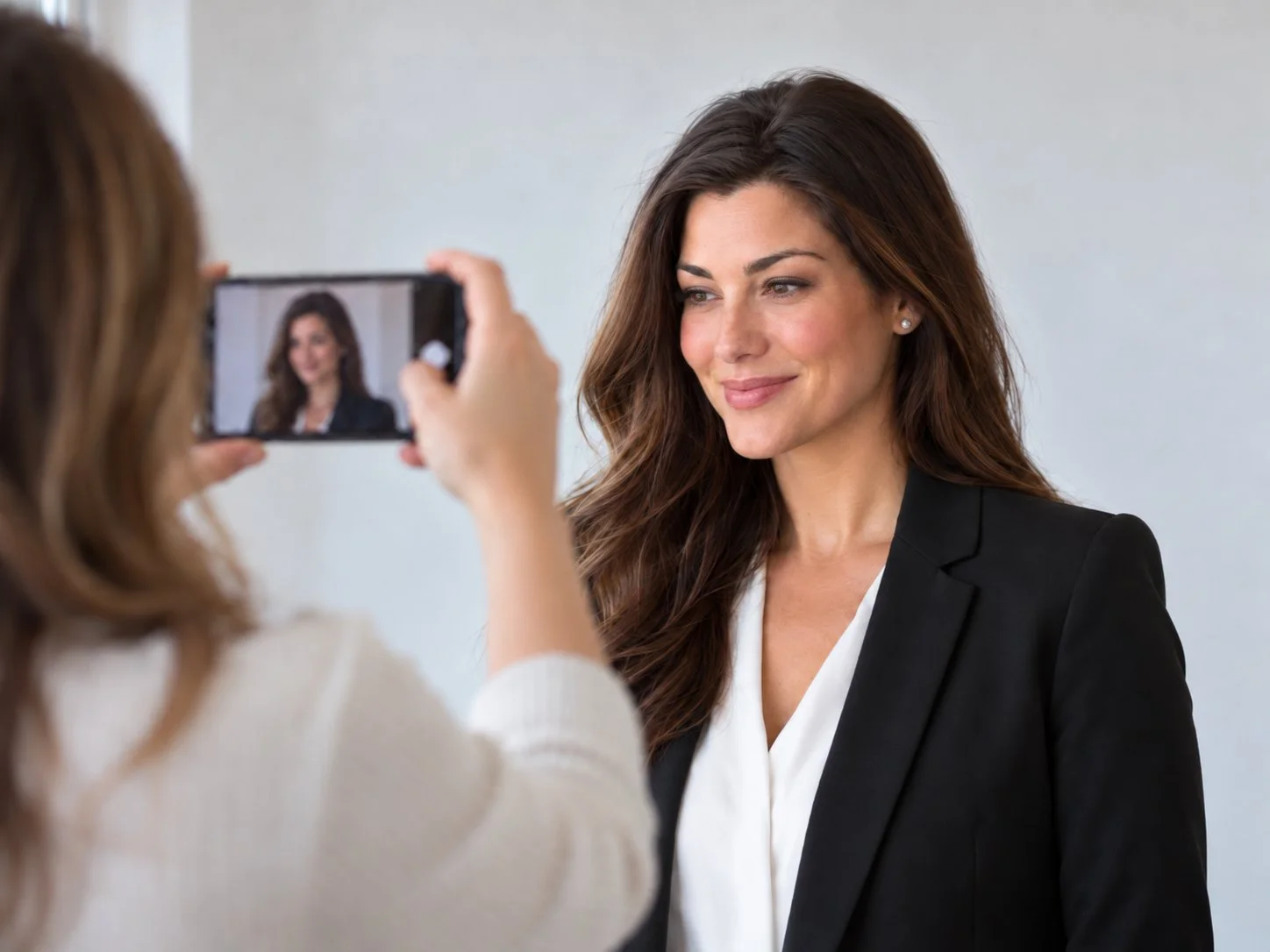
A friend photographs a woman on a smartphone against a plain light wall, in daylight

Before you start

Check your phone

We need a phone that can zoom in without losing detail. Recent iPhones and flagship Android phones can. Budget and older models cannot, and nothing we do afterwards can put the detail back.

Best: a 3x zoom lens or more

  • iPhone 13 Pro or any later Pro or Pro Max
  • Samsung Galaxy S22 or later, including Plus, Ultra and FE models
  • Google Pixel 7 Pro or any later Pro, and Pixel 10

Good: use the 2x button

  • iPhone 15, 16, 16e, 17, 17e and iPhone Air
  • Google Pixel 7, 8 and 9
  • Galaxy A35, A36, A55 and A56, and Pixel 7a to 10a, in good daylight only

Not good enough

  • iPhone 14 or older standard models, and any iPhone SE
  • Budget phones such as Galaxy A16, A17, A26 or moto g
  • The selfie camera on any phone
Not sure? If your phone is not listed, borrow a colleague’s newer phone, or email the model to [email protected] and we will tell you.

Step one

Set yourself up

  1. Find a plain wall. White or light grey with nothing on it. Stand about a metre away so you do not throw a shadow onto it.
  2. Face a window. Daylight on your face is the whole game. Do not stand with your back to the window, and turn the ceiling light off if you can.
  3. Ask someone to take them. Held at arm’s length a phone makes your nose larger and your ears smaller. If you are on your own, prop the phone up and use the timer.
  4. Phone at eye level, two metres back. Ask them to stand back and tap 2x or 3x rather than come closer. With a 4x or 5x lens, stand about three metres back. Distance does more than every other step.
  5. Back camera, Portrait mode off. The rear camera is much better than the selfie one. Portrait mode fakes the background blur and damages the edges of your hair, which cannot be undone. Turn off any beauty filter too.

Step two

Take these nine

Three positions, three expressions in each. Turn your shoulders for each position but keep your eyes on the lens throughout. Take all three expressions before you turn.

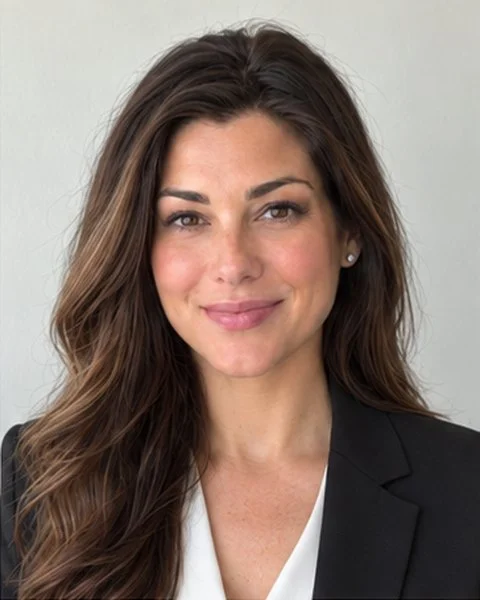
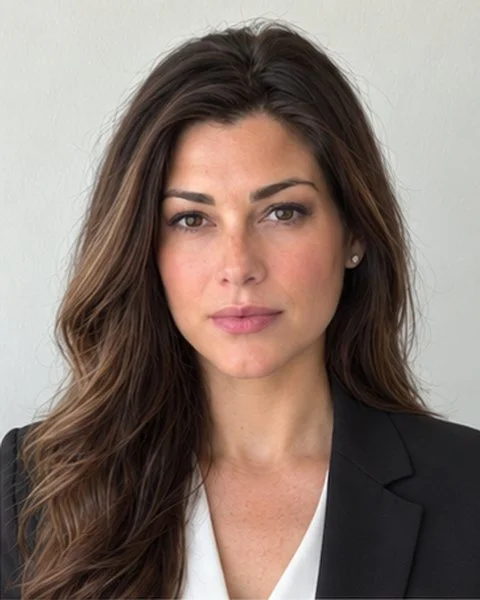
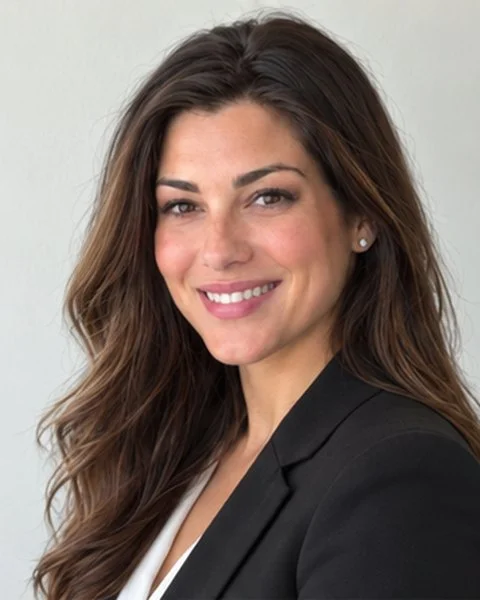
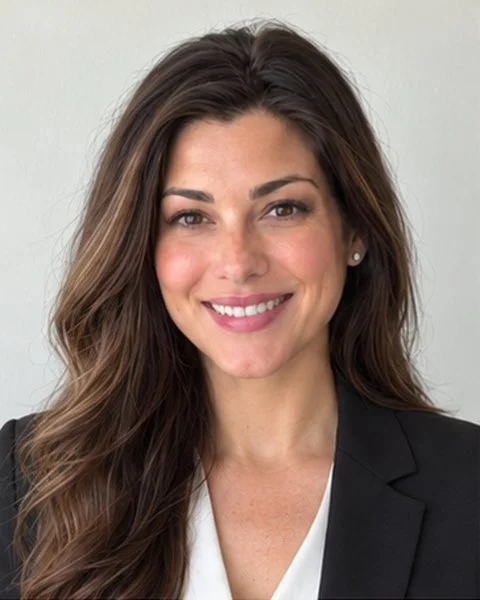
Example photograph 1: straight to camera, smiling, teeth showing1
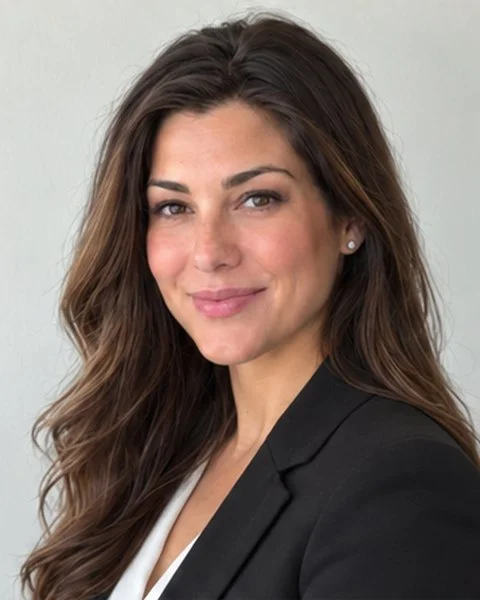
Example photograph 2: straight to camera, smiling, mouth closed2
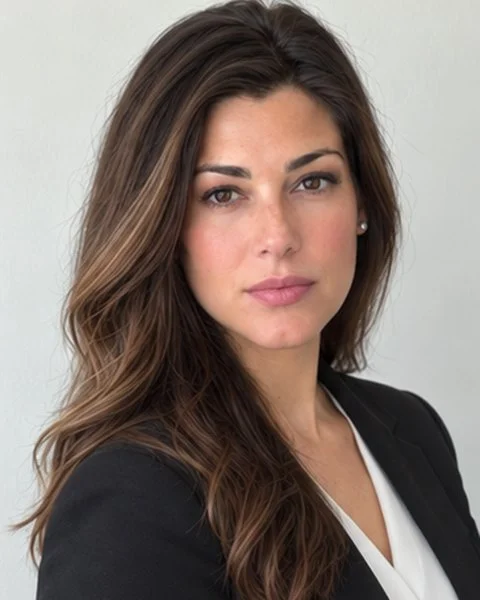
Example photograph 3: straight to camera, relaxed, not smiling3

Straight to camera

  1. 1Smiling, teeth showing
  2. 2Smiling, mouth closed
  3. 3Relaxed, not smiling
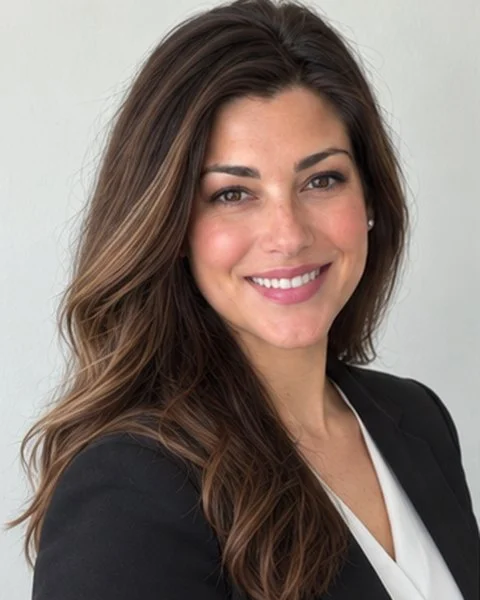
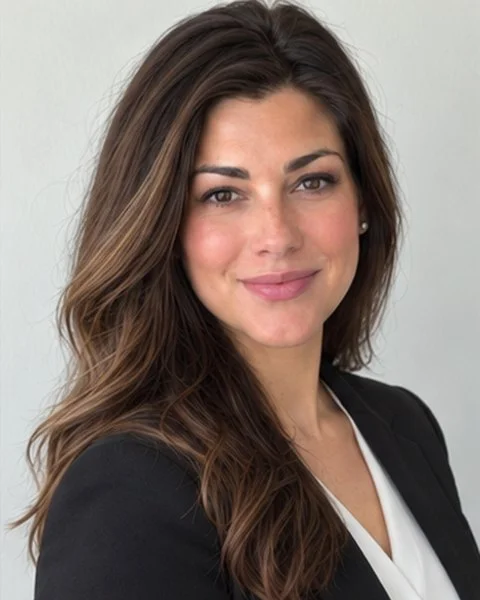
Example photograph 4: turned 45° to your left, smiling, teeth showing4
Example photograph 5: turned 45° to your left, smiling, mouth closed5
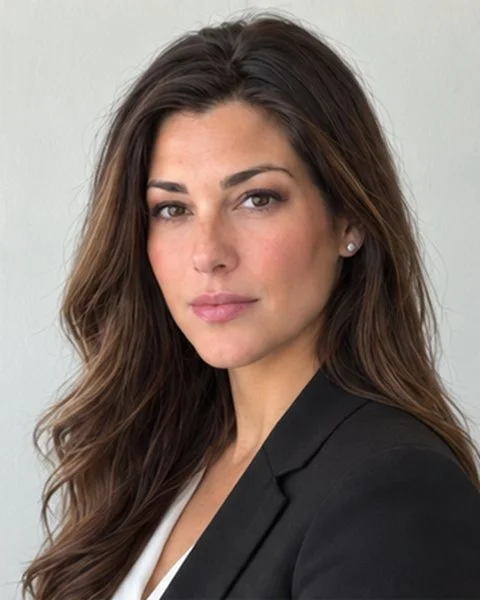
Example photograph 6: turned 45° to your left, relaxed, not smiling6

Turned 45° to your left

  1. 4Smiling, teeth showing
  2. 5Smiling, mouth closed
  3. 6Relaxed, not smiling
Example photograph 7: turned 45° to your right, smiling, teeth showing7
Example photograph 8: turned 45° to your right, smiling, mouth closed8
Example photograph 9: turned 45° to your right, relaxed, not smiling9

Turned 45° to your right

  1. 7Smiling, teeth showing
  2. 8Smiling, mouth closed
  3. 9Relaxed, not smiling

Example photographs (AI-generated).

Eyes on the lens, always. When you turn your shoulders your head goes with them, but your eyes come back to the camera. The slight turn stops a portrait looking like a passport photograph.

Step three

Worth knowing

Helps

  • Plain clothing in a solid colour
  • Daylight from a window in front of you
  • Chin very slightly forward
  • Two or three of each if you are unsure
  • Sending every frame, even ones you dislike

Ruins it

  • Portrait mode or a beauty filter
  • A window behind you
  • Ceiling lights with no daylight
  • Taking it yourself at arm’s length
  • Hats, sunglasses, a busy background
  • Cropping, or sending a screenshot

Step four

Send them to us

When you book Augmented Imagery, we send you a private link to upload your photographs. Nobody else can see them.

Send the originals, at full size. If your phone asks what size to send, always choose Actual Size or Original. Anything smaller throws away detail we cannot get back.

The first image made from your photographs costs £125 + VAT, and each further version from the same original costs £50 + VAT, with two rounds of amends on every image.

To book, email [email protected] or call 07940 444641.